How to make a vision board here
- Pick a format: phone wallpaper, desktop or print. You can switch later, and the board rearranges itself.
- Choose a layout, or start with a blank board.
- Add photos. Tap an empty frame, drop photos onto the board or paste them. Pictures from your own life (your street, your running shoes) work better than stock dreams.
- Add words. One short line per goal, written as something you do: “Run three times a week”, not “Fit”.
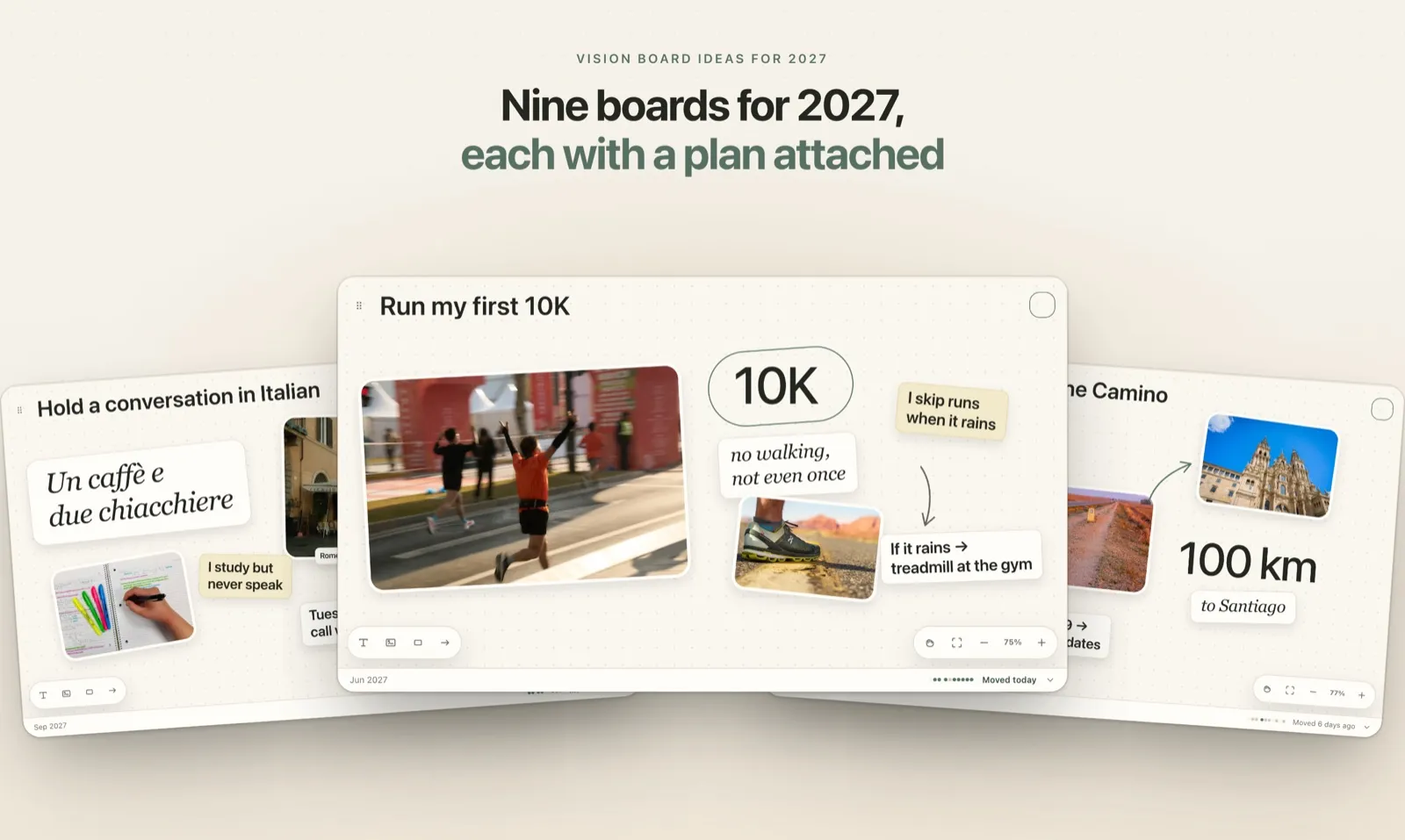
- Fill in the card under the board: what you will do this week, and what you will do if something gets in the way. Then download or print.
Vision board templates
Five layouts to start from. Each one is a set of empty frames and sample words that you replace with your own.
- Collage. Tilted photos and notes, like prints pinned to a board.
- Grid. Even tiles with the year in the middle, the tidy option for a desktop.
- One big goal. One large photo and two small ones around a single goal, for the year when one thing matters most.
- Words. No photos at all, just your phrases in different styles. Quick when you don't have pictures yet.
- Blank. An empty board for arranging everything yourself.
There are six backgrounds, from warm linen to a dark night one, and an optional dot grid.
Wallpaper and print sizes
| Format | Image size | What it fits |
|---|---|---|
| Phone wallpaper | 1320 × 2868 px | The largest iPhone; iOS scales it down for smaller models. Android phones crop a little at the edges. |
| Desktop 16:10 | 2880 × 1800 px | MacBooks and most laptops. |
| Desktop 16:9 | 3840 × 2160 px | 4K monitors and most Windows laptops. |
| Print A4 | 3508 × 2480 px | A4 landscape at 300 dpi. |
| Print US Letter | 3300 × 2550 px | Letter landscape at 300 dpi. |
On the phone format the top of the board stays clear, because iOS puts the date, the clock and widgets there. The maker shows where they go while you edit and leaves the guide out of the image.
Make your board move
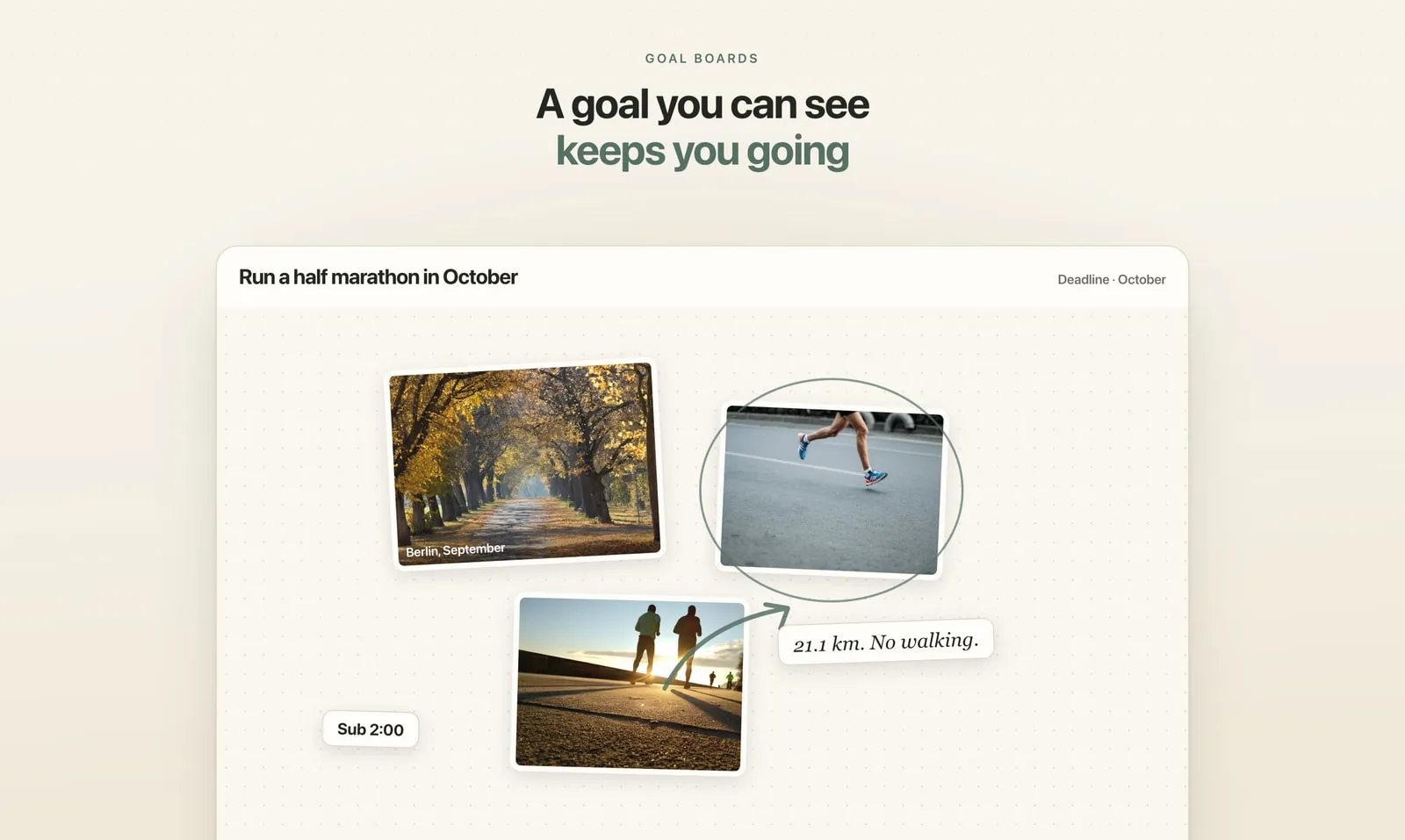
Picturing only the finish line can drain the energy you need to get there. Gabriele Oettingen's studies found that people who fantasized most about a good outcome did worse at reaching it. Her fix is to add the obstacle and an if-then plan, which is what the card under your board does. We went through the research inDo Vision Boards Work? What the Research Says.
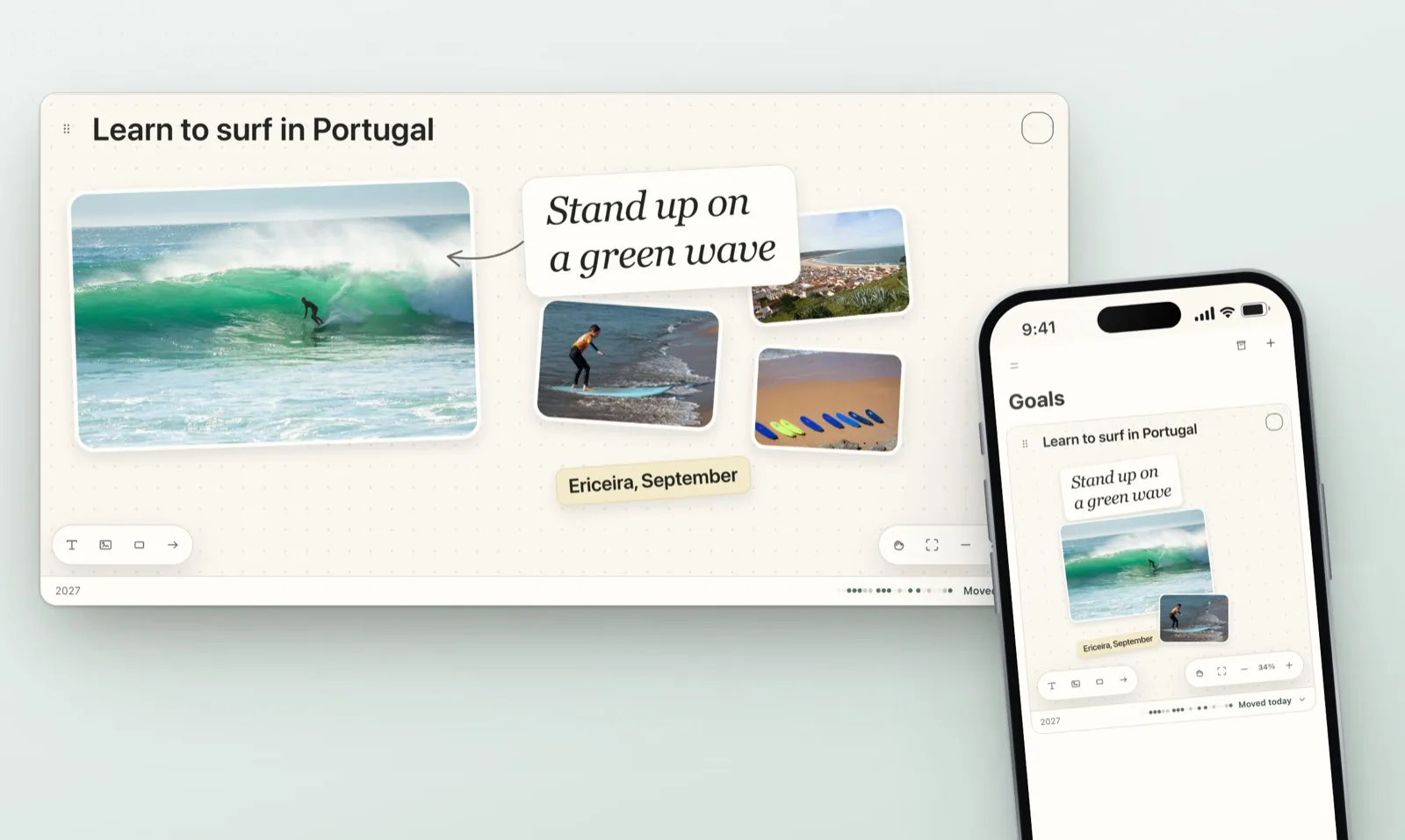
Plannedo takes the same idea further. Each board sits on top of a goal, today's tasks and habits are linked to it, and every evening you mark the goal Moved, Thought or Not today. If you would rather build the board there from the start, here is how to make a digital vision boardon iPhone, Mac or the web.
FAQ
Is this vision board maker really free?
Yes. There is no account, no watermark and no limit on downloads.
Are my photos uploaded anywhere?
No. The maker runs in your browser. Your photos are kept only on this device, so the board is still here when you come back.
What size is a vision board wallpaper for iPhone?
Use 1320 × 2868 pixels. iOS scales it down to fit any iPhone with Face ID. Keep the top quarter clear, because the date, the clock and widgets sit there.
Can I make a vision board on my phone?
Yes. The maker works in Safari and Chrome on a phone: tap a frame to add photos from your camera roll, then save the image and set it as your wallpaper.
Can I print my vision board?
Yes. Choose Print, pick A4 or US Letter, then print it or save it as a PDF from the print dialog. The image is 300 dpi, so photos stay sharp on paper.
How many goals should one vision board have?
We suggest three to five. A board with twelve dreams sets a mood but rarely changes a week.
How do I make my vision board actually work?
Give every goal a first step for this week and a plan for what usually stops you, then look at the board again on Sunday. Plannedo does that check for you every evening.