How to make your weekly planner
- Choose a layout: Classic, Columns, With times or Guided.
- Pick the week it starts on, or choose “Blank, no dates” for a sheet you can print again and again. A dated planner can run for 4 or 13 weeks in one file.
- Type the habits you want to tick off each day, or leave the lines blank to fill in by hand.
- Pick the paper and a colour, then print it or download it as a PDF or a PNG.
Weekly planner templates
Classic weekly planner
A portrait page like one from a paper planner: three priorities at the top, each with the day it goes on, a box for every day of the week, a box for notes, and a row of habits to tick at the bottom.
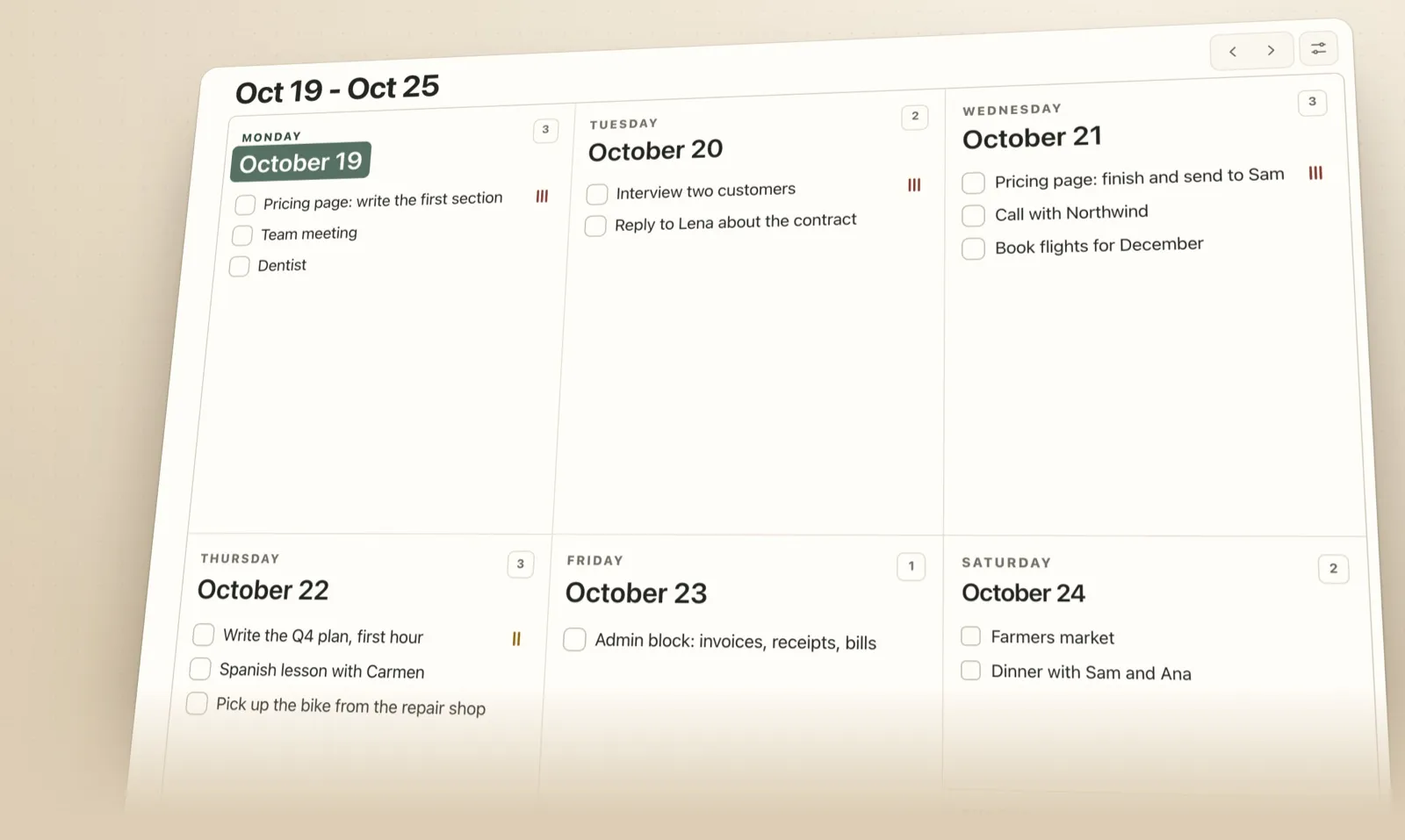
Weekly planner with seven columns
A landscape page with a column for each day, top to bottom, so the whole week fits in one look. The priorities and a column of notes sit on the left, and the habits run along the bottom under the days they belong to.
Weekly planner with times
An hourly weekly schedule: a column for each day, a row for every hour and a dotted line on the half hour. Start it as early as 5 am and run it as late as midnight, on a 12-hour or 24-hour clock. It suits appointments, classes and shifts, and blocking time for the work that matters most.
Guided weekly planner
The one-page plan from How to Plan Your Week: fixed commitments first, one to three priorities with a day for each, a cap on tasks a day, seven days that each start with the first task, a box for what isn’t this week, and an if-then plan for the interruption you expect most.
Dated or blank?
A blank weekly planner has the days but no dates, and a line in the title for the week, so one PDF lasts all year. A dated one saves the writing: choose the first week and how many weeks you want, and the PDF has one page for each, in order. Thirteen weeks is a quarter, the length of a 12 week year cycle with a week to review.
How to fill in a weekly planner
- Put in what is already fixed first: meetings, classes, deadlines, trips.
- Choose one to three priorities and give each a day, and a time if you can. In a field study of flu-shot reminders, people asked to write down a date and a time got vaccinated more often than those with a plain reminder, 37.3% against 33.1%, while writing a date alone made no reliable difference.
- Cap the number of tasks on any one day, and keep the lightest day for whatever the week brings.
- At the end of the week, read the page back. A 20-minute weekly reviewis a good place to carry what’s left into the next one.
The seven steps and the research behind them are inHow to Plan Your Week in 30 Minutes.
Printing tips
- Print at 100% or “actual size”, not “fit to page”, so the lines keep their spacing.
- Classic and Guided print portrait; Columns and With times print landscape. The tool sets this for you.
- To type rather than write, open the PDF in Preview or Adobe Acrobat Reader: every line is a text field.
- For an iPad planner, download the PNG or the PDF and import it into GoodNotes or Notability.
FAQ
Is this weekly planner printable free?
Yes. There is no account and no email address to give, and nothing you type leaves your browser. A small “Plannedo” line sits at the bottom of the page, and you can switch it off.
Can I fill in the weekly planner on my computer or iPad?
Yes. Every writing line in the PDF is a text field, so you can type into it in Preview, Adobe Acrobat Reader or most PDF apps on an iPad or a computer. If you’d rather write, import the PDF or the PNG into GoodNotes or Notability.
Is there a blank weekly planner I can reuse?
Yes. Choose “Blank, no dates”: the days are printed without dates and the title has a line for the week, so one PDF works for any week of the year.
Can I print several weeks at once?
Yes. With dates on, choose 4 or 13 weeks and the PDF has one page per week, in order, starting from the week you pick. Thirteen weeks is a quarter.
Can I get a weekly planner with times?
Yes. The “With times” layout is an hourly grid with a column for each day and a row for every hour, starting as early as 5 am and running as late as midnight, on a 12-hour or 24-hour clock.
Does the week start on Monday or Sunday?
Either. Choose the first day of the week and the days and dates follow it, in every layout.
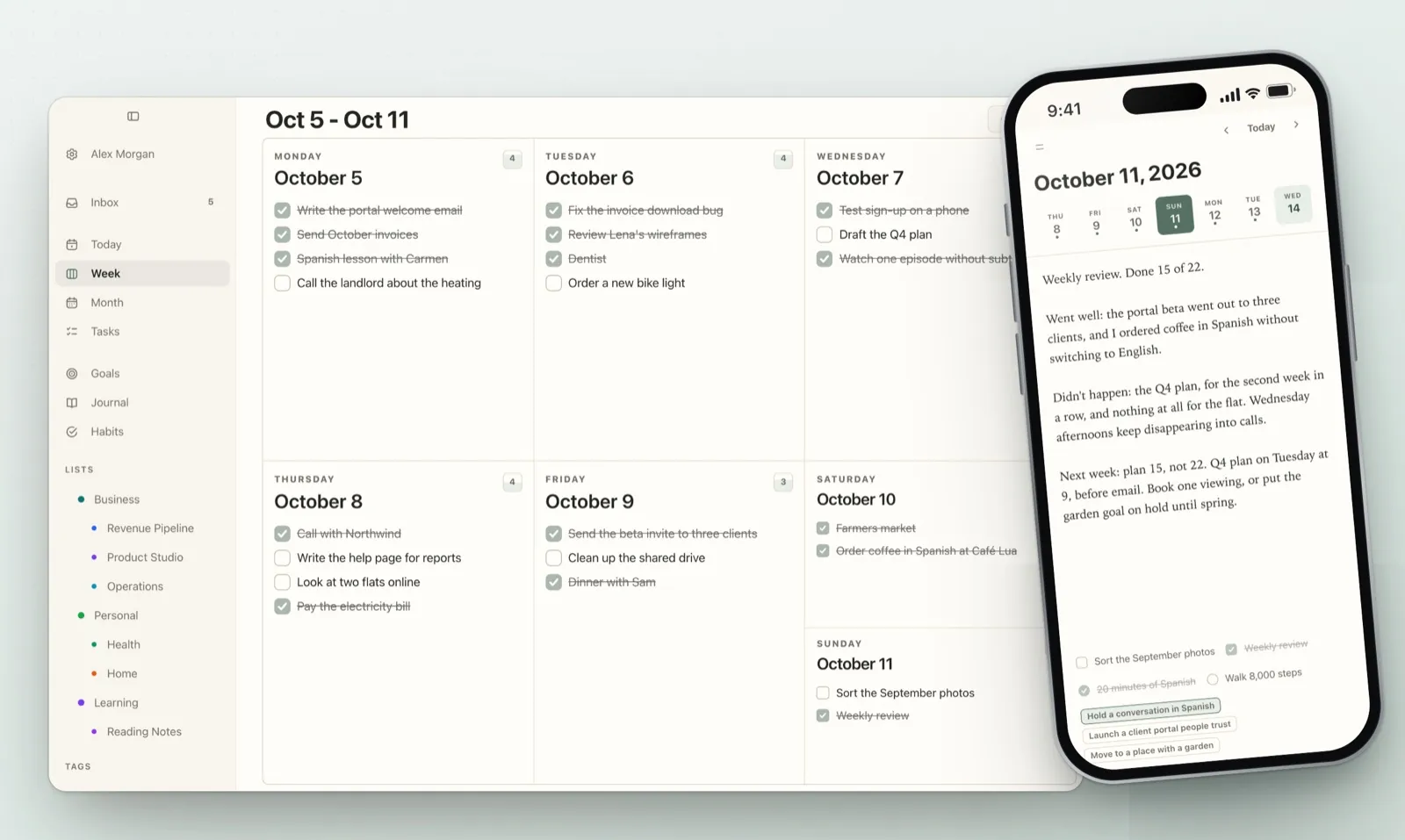
Can I plan my week on my phone instead?
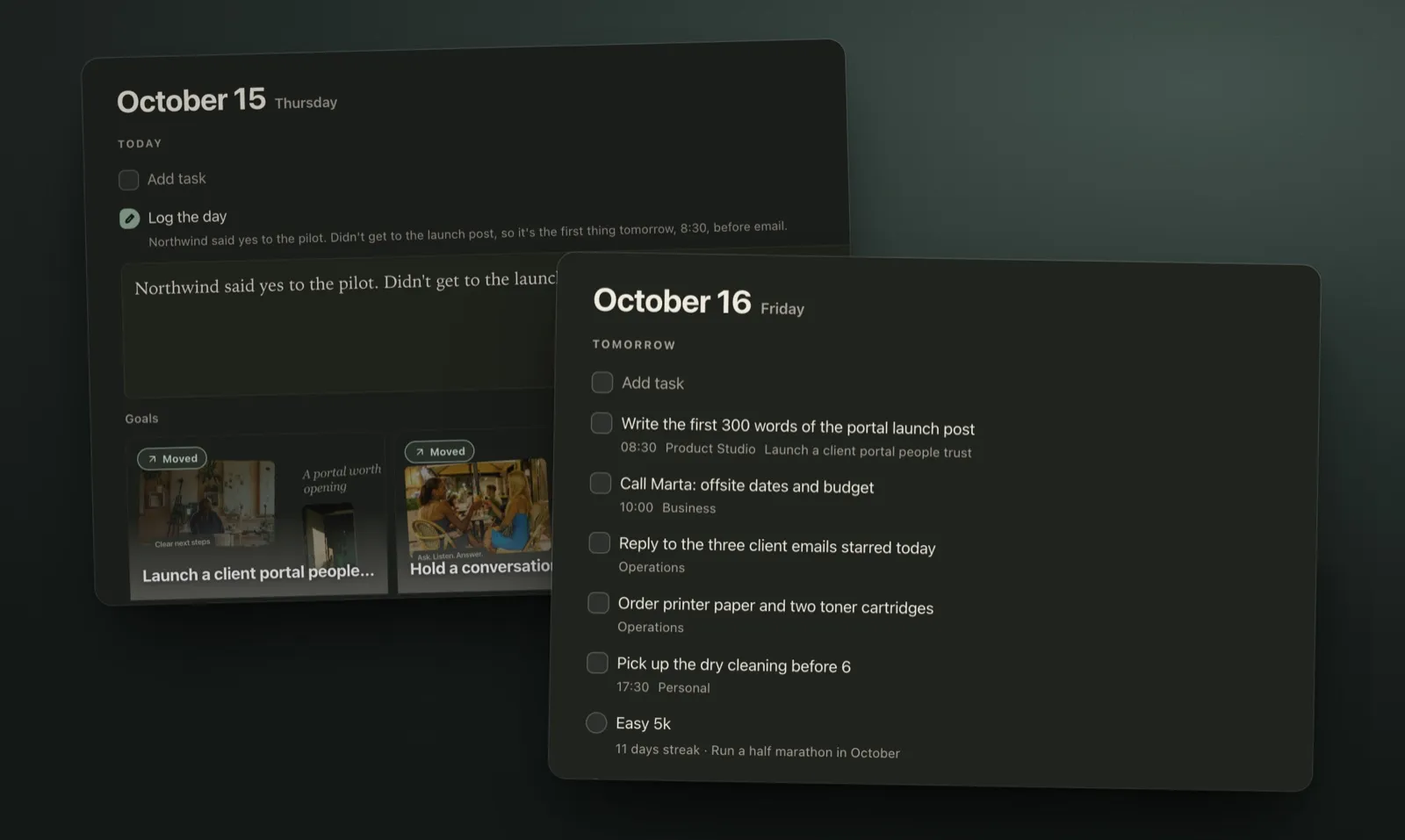
Yes. Plannedo shows the whole week with times, priorities and repeating tasks, and you can drag a task to another day when plans change. It runs on the web, iPhone and Mac, and the free plan has unlimited tasks.