How to Plan Your Week in 30 Minutes (+ Free Weekly Planner)
How to plan your week effectively in seven steps: fixed commitments first, one to three priorities with a day and a time, a daily cap, batching and room to spare. Free printable planner.
To plan your week, set aside 30 minutes on Friday or Sunday. Put the fixed commitments in first, choose one to three priorities and give each a day and a time, add the rest of the tasks with a cap on how many go on one day, batch small chores into one block, and leave the lightest day for whatever the week brings. Then write one plan for the interruption you expect most.
Each of those steps is there for a reason. A plan for the week is a set of decisions made in advance, and the research on planning is fairly clear about which decisions hold: a specific day and time beats a good intention, near steps beat distant goals, and a plan that expects interruptions survives them. Below are the seven steps, the studies behind them, versions for students and for ADHD, and a one-page planner to print.
How to plan your week: 7 steps
| Step | Time | What you do |
|---|---|---|
| 1. Fixed commitments | 3 min | Meetings, appointments, deadlines, pickups and trips go in first |
| 2. Priorities | 5 min | One to three things that would make the week a good one |
| 3. A day and a time | 5 min | Each priority gets a slot, early in its day |
| 4. Everything else | 7 min | The remaining tasks, with a cap on how many go on one day |
| 5. Batching | 3 min | Small, similar tasks become one block |
| 6. Room | 2 min | Keep one day light, often Friday |
| 7. The likeliest interruption | 5 min | One if-then plan for what usually derails your week |
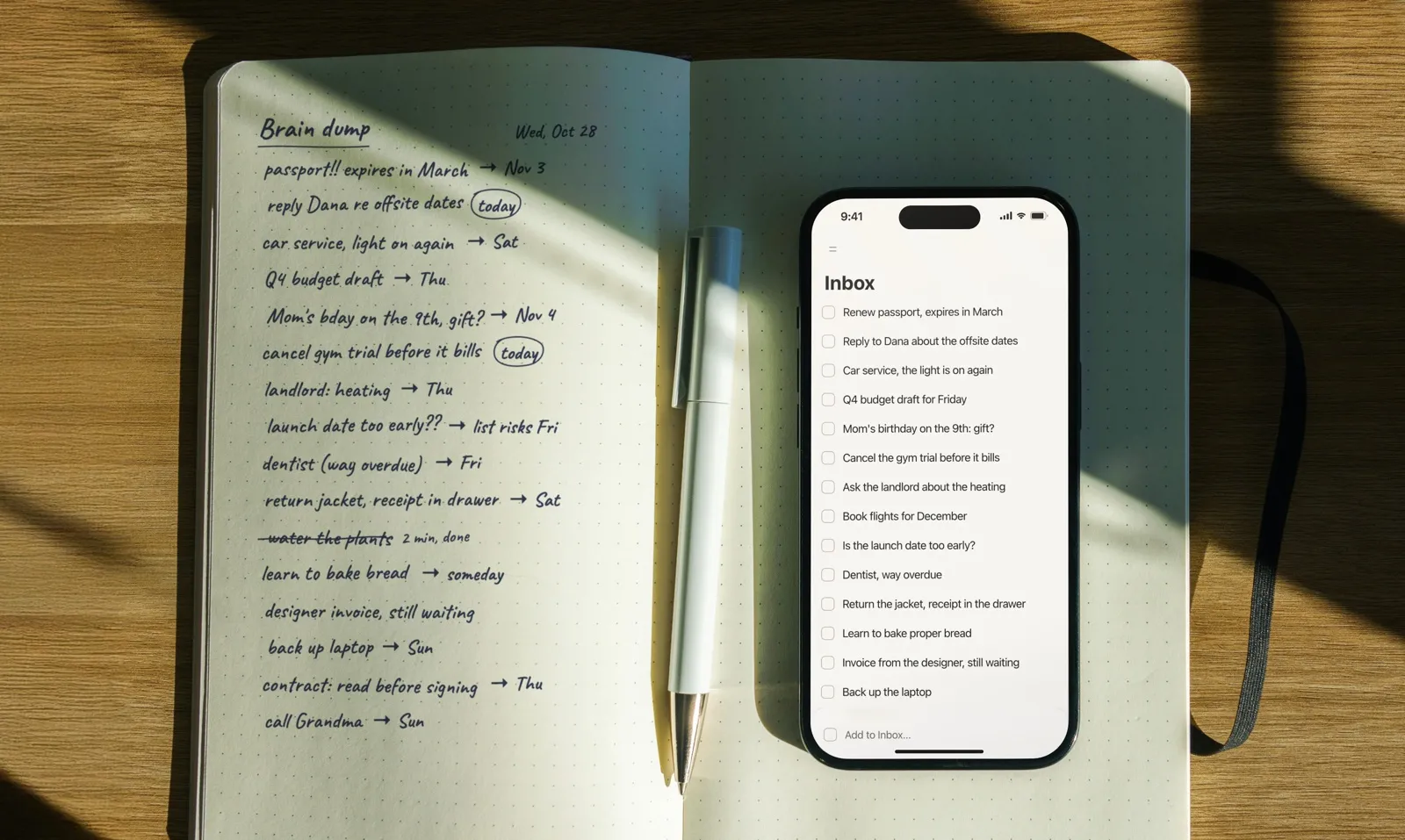
If you already do a weekly review, this is its planning half: the review tells you what last week really looked like, and these steps turn that into next week. If your head is too full to start, do a brain dump first and plan from that list.
1. Put in what’s already fixed
Open your calendar and start with what you can’t move: meetings, appointments, deadlines, the school run, a flight, a dinner you promised. They are the walls of the week. Planning around them first shows you how much time is actually free, which is almost always less than it feels on a Sunday evening.
2. Choose one to three priorities
Ask: if only three things got done this week, which would make it a good week? Not the most urgent, the ones that move something you care about: the project with a deadline next month, the goal that’s been sitting still. One to three is the number to aim for. Five priorities are a to-do list, and everything on it competes for the same mornings. If you plan in 12-week cycles, this week’s tactics from the 12 week plan are your priorities.
3. Give each priority a day and a time
A priority without a slot is a wish. Give each one a specific day and a specific time, preferably first thing in the morning, before email and meetings get their turn.
This small step has good evidence behind it. In a field experiment at a large company, Katherine Milkman and colleagues sent employees a reminder about free flu-shot clinics. Some reminders also asked people to write down the date they planned to go; others asked for the date and the time. Writing only a date made no reliable difference, but writing a date and a time raised vaccination by 4.2 percentage points, from 33.1% to 37.3%. That sounds modest until you remember it was a single line on a letter.
4. Add everything else, with a cap per day
Now spread the rest of the tasks across the days. Two rules keep this honest:
- A cap per day. Decide how many tasks fit on a normal day, and stop there. If you don’t know your number, count how many you actually finished on a typical day last week. Planning more than you usually do is how a week ends with a pile of leftovers, and the planning fallacy says you’ll underestimate unless you look at your own past numbers.
- Break big things into this week’s part. “Launch the website” isn’t a task for Wednesday. “Write the pricing page, first section” is. In a classic 1981 study, Albert Bandura and Dale Schunk had children work through a set of math lessons with either a near goal for each session or one distant goal for the whole set. The children with near goals progressed quickly and grew more confident and interested; the distant goal alone made no measurable difference. A week works the same way: each day needs its own small piece.
5. Batch small, similar tasks
Emails, invoices, bills, forms, calls: give them one block, say Friday at 2 pm, instead of letting them sprinkle every day. Switching between different kinds of tasks has a cost. In experiments by Joshua Rubinstein, David Meyer and Jeffrey Evans, every switch between tasks took extra time, and the cost grew with the complexity of the tasks. Ten small chores in one block cost you one switch, not ten.
6. Leave room
Keep one day light, often Friday, with nothing important on Friday afternoon apart from the admin block. A full plan has no room for the week’s surprises, so the surprises push out the plan. The light day is where they land, along with whatever slipped from earlier in the week.
7. Plan for the likeliest interruption
Every week has a usual way of going wrong: the meeting that eats the morning, the client who calls at 9, the evening that runs late. Write one if-then plan for it: “If the 8:30 slot disappears, the pricing page moves to 2 pm, not to next week.”
In a two-week study of daily planning at work, Michael Parke and colleagues found that ordinary planning (lists, priorities, timing) helped, but less and less as interruptions piled up, while planning ahead for the interruptions helped no matter how busy the day got. Plans in the if-then form are among the best-tested tools in goal research; the WOOP method shows how to find the obstacle and write the plan.
When to plan your week: Friday or Sunday?
Either works; what matters is that it’s the same slot every week. Friday afternoon is good for work: the week is fresh, and you leave with a plan instead of open loops. Sunday evening is good for a personal or mixed week: the weekend is behind you, and Monday starts with the plan already made. Put it in your calendar as a repeating task, so it happens even in busy weeks.
Then, each evening, take a couple of minutes to check tomorrow against the plan and move what needs moving. That habit is in how to plan your day the night before.
How to plan your week as a student
- Start from the syllabus. Put every deadline and exam for the next few weeks in first, then work back to this week’s part of each.
- Give study blocks a time. “Study chemistry” goes nowhere; “Chemistry problem set 3, Tuesday 4 to 5:30 in the library” happens.
- Keep the cap low. Classes take most of the day; two or three study tasks per day is plenty.
- Batch admin. Emails to professors, forms, readings to download: one block a week.
- Protect sleep. A plan that only works by staying up late isn’t a plan.
How to plan your week with ADHD
These are practical adjustments many people with ADHD find useful; if you’re working with a clinician or coach, follow their advice first.
- Make the plan visible. A week you have to open an app to see is easy to forget. Use a widget, a printed sheet on the desk or the fridge, or both.
- Plan smaller. Fewer tasks per day than you think, and every task small enough to start in five minutes.
- Anchor tasks to times and places, not just days: “after lunch at the desk”, “9:00 before email”.
- Shorten the horizon. If a whole week feels abstract, plan the week’s priorities on Sunday and only the next day in detail each evening.
- Expect the interruption. Write the if-then plan in step 7 for the distraction you know best.
Common weekly planning mistakes
- Planning the week you wish you had. Twelve tasks a day when you usually finish five. Use last week’s real number.
- Priorities without slots. “This week: the Q4 plan” without a day and a time slides to Friday, then to next week.
- No room. A plan that fills every hour breaks on the first surprise.
- Big tasks on the list. “Launch the website” sits there all week. Write this week’s piece of it.
- Never looking at it again. A weekly plan needs a two-minute check each evening.
How to plan your week in Plannedo
| Step | Where |
|---|---|
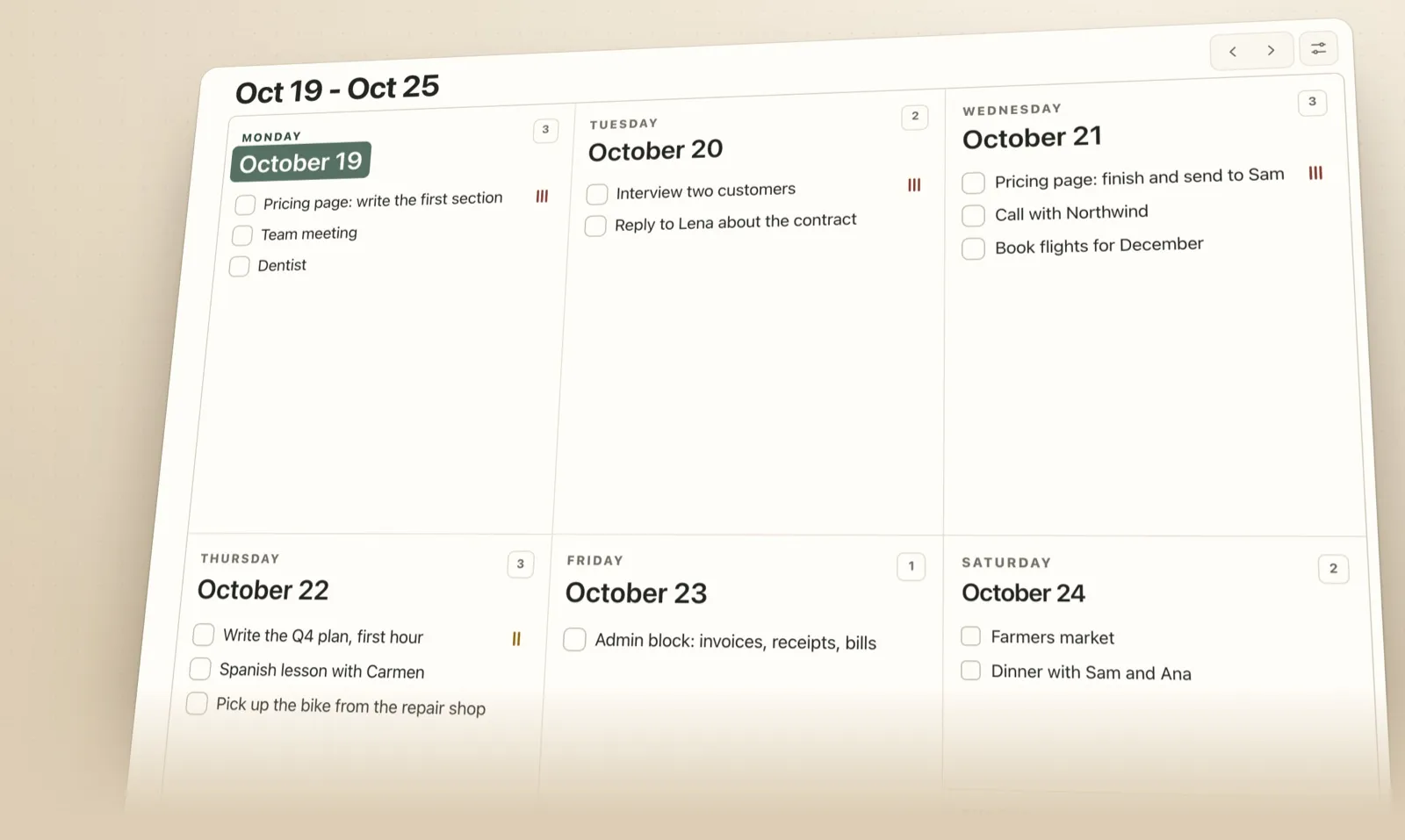
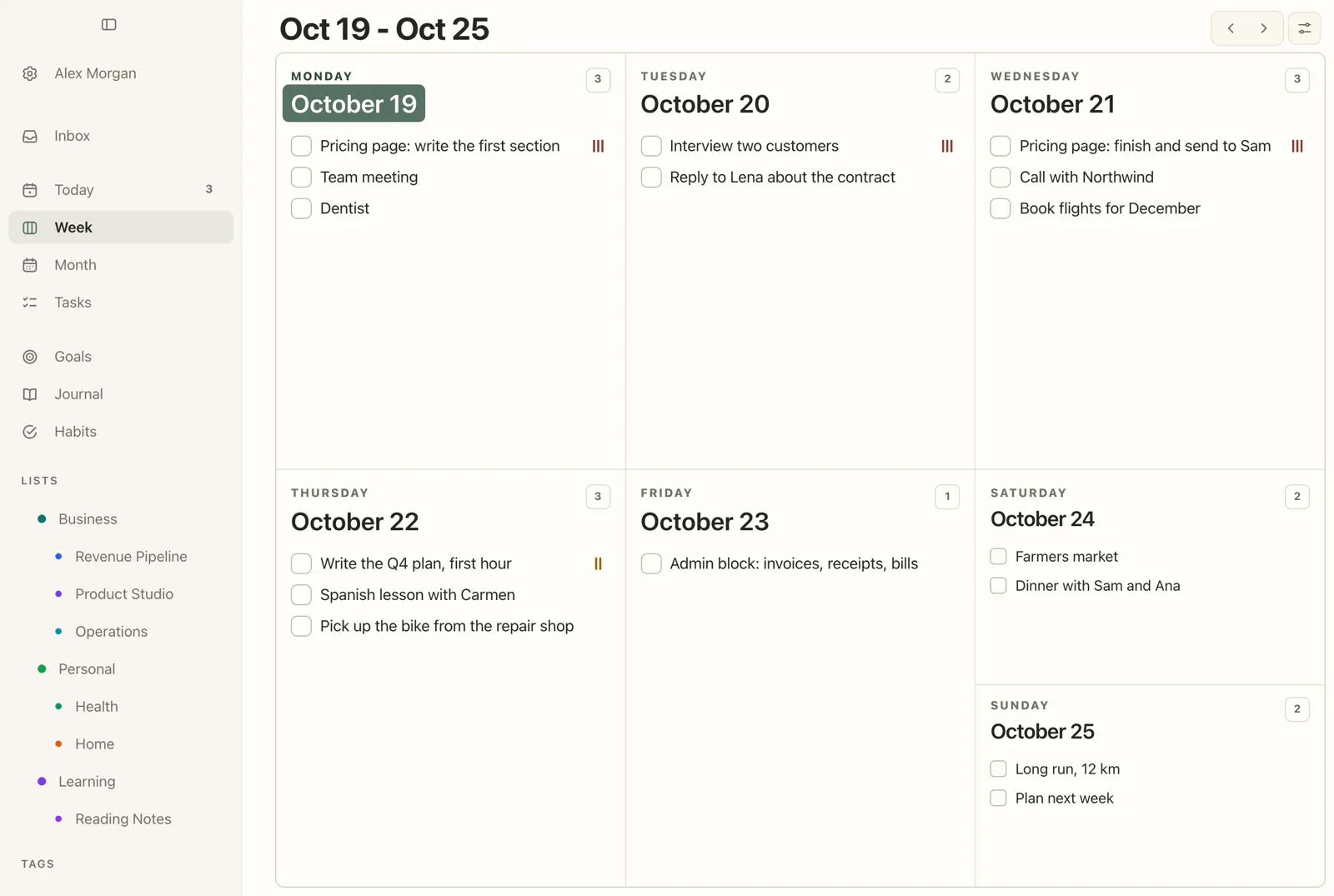
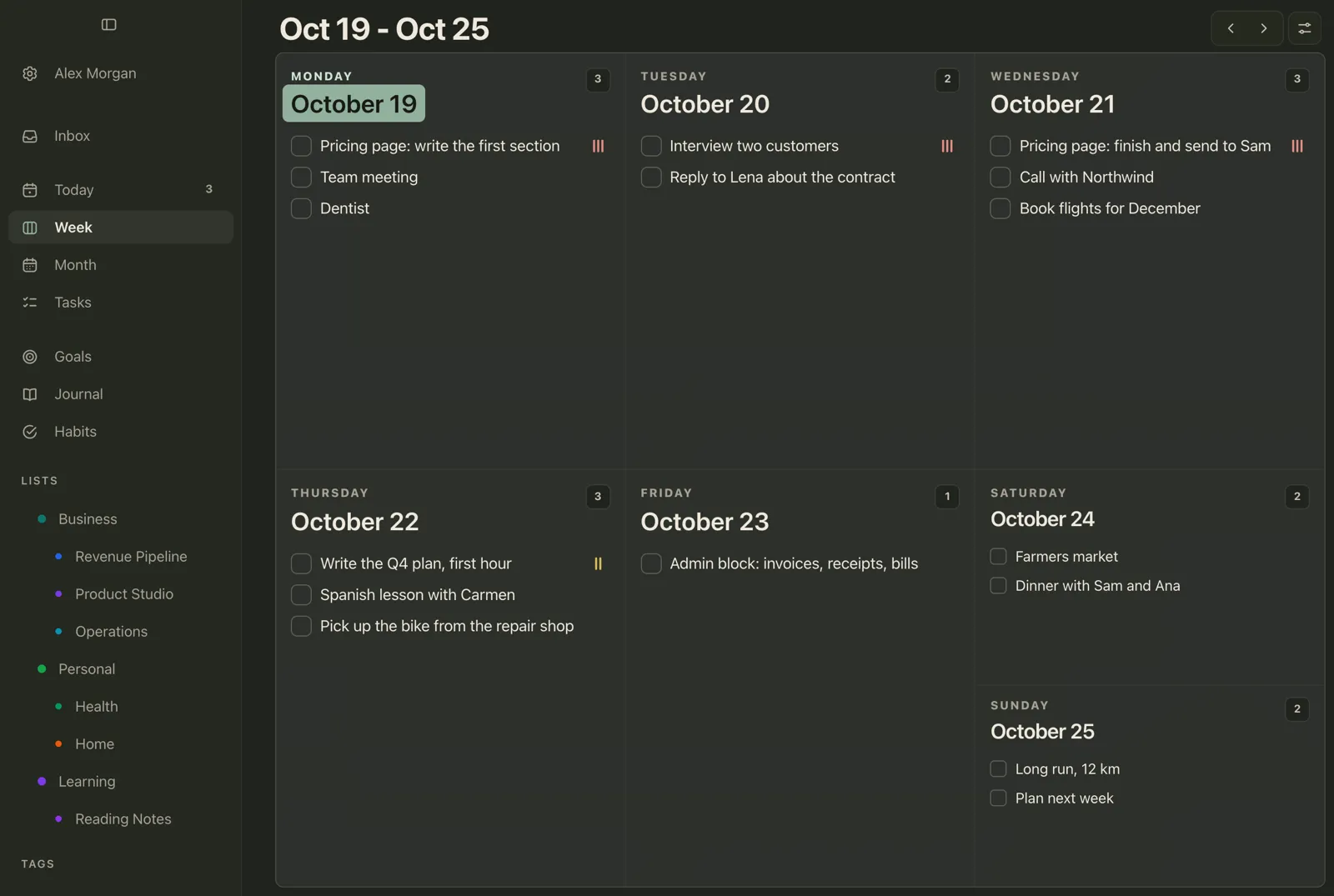
| See the whole week | Week: five day cards and a weekend card; use the arrows for next week |
| Add tasks to a day | Hover over a day and click Add task, or click empty space in it |
| Move tasks between days | Drag a task to another day; on a touch screen, press and hold first |
| Mark the priorities | Open the task, click + (Show more fields) and the bars button until it shows High, and give it a Time |
| Repeating commitments | + (Show more fields) → Repeat → Weekly, for a meeting, a lesson or the planning session itself |
| Show habits on the week | Week settings → Habits |
| Start the week on Monday or Sunday | Settings → Region & format → Week starts on |
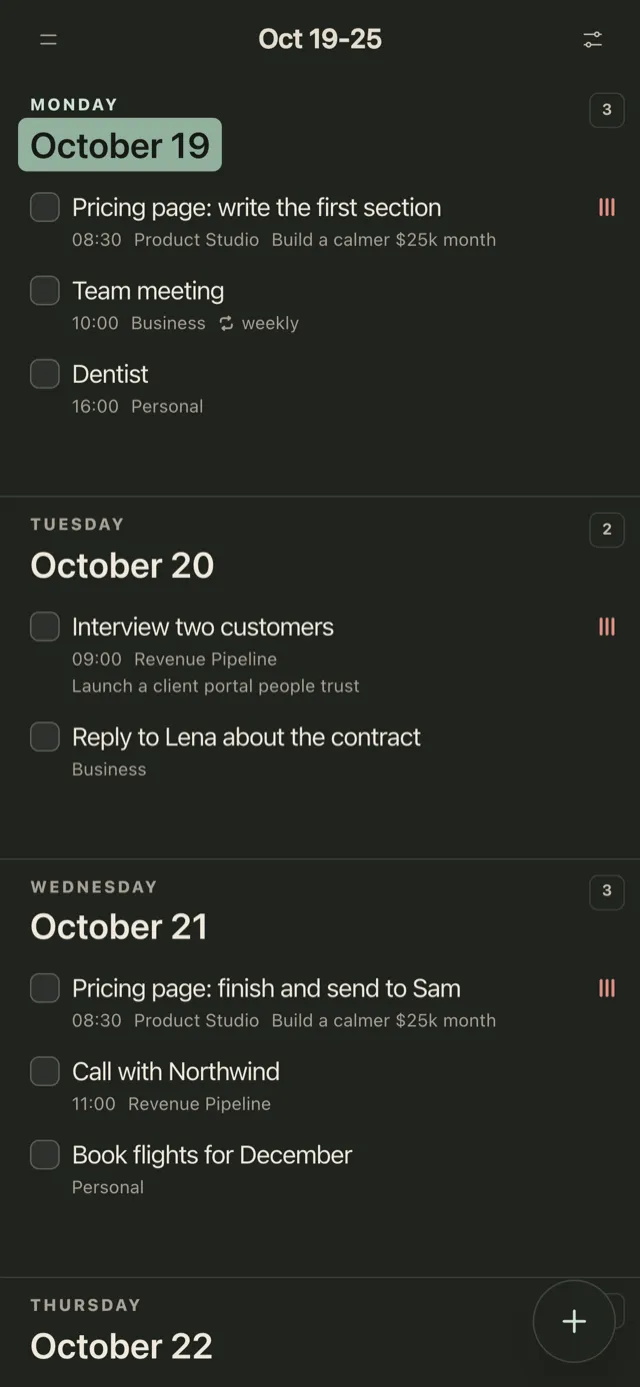
On a phone, the week runs as one column, so you can plan it on the sofa on Sunday evening.
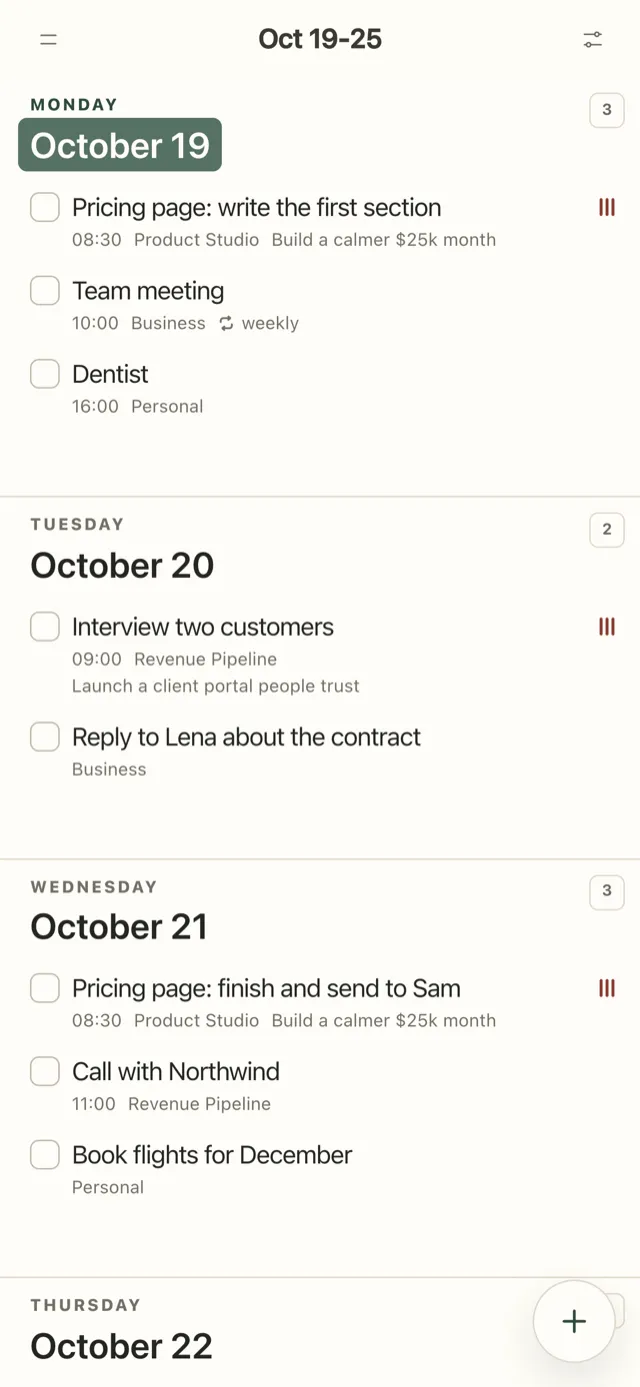
Tasks can belong to a goal, so a priority like “Pricing page: write the first section” also marks its goal as moved when you tick it off. The Week and Month views are in the help centre under Week and Month, and repeating tasks under Repeating tasks.
FAQ
How do I plan my week effectively?
Set aside 30 minutes on Friday or Sunday. Put fixed commitments in first, choose one to three priorities and give each a day and a time, add the remaining tasks with a cap per day, batch small tasks into one block, leave one day light, and write an if-then plan for the interruption you expect most.
What is the best day to plan your week?
Friday afternoon or Sunday evening. Friday suits a work week, because the week is still fresh in your mind; Sunday suits a personal or mixed week. The best day is the one you can keep every week.
How many tasks should I plan per day?
As many as you actually finish on a normal day, which is usually fewer than you’d guess. Count last week’s finished tasks and plan to that number, with one lighter day for whatever comes up.
How long should weekly planning take?
About 30 minutes. The first few weeks may take longer; it gets quicker once the routine settles.
Should I plan every hour of the week?
No. Give the priorities a specific day and time, and the fixed commitments their slots. Planning every hour leaves no room for interruptions, and the plan breaks on the first one.
What’s the difference between weekly planning and a weekly review?
A weekly review looks back: what got done, what didn’t and why, and which goals moved. Weekly planning looks ahead and puts next week’s tasks on days. Do the review first, so the plan is based on last week’s real numbers. The review is in the weekly review template.
Studies mentioned
- Milkman, K. L., Beshears, J., Choi, J. J., Laibson, D., & Madrian, B. C. (2011). Using implementation intentions prompts to enhance influenza vaccination rates. Proceedings of the National Academy of Sciences, 108(26), 10415-10420.
- Bandura, A., & Schunk, D. H. (1981). Cultivating competence, self-efficacy, and intrinsic interest through proximal self-motivation. Journal of Personality and Social Psychology, 41(3), 586-598.
- Rubinstein, J. S., Meyer, D. E., & Evans, J. E. (2001). Executive control of cognitive processes in task switching. Journal of Experimental Psychology: Human Perception and Performance, 27(4), 763-797.
- Parke, M. R., Weinhardt, J. M., Brodsky, A., Tangirala, S., & DeVoe, S. E. (2018). When daily planning improves employee performance: The importance of planning type, engagement, and interruptions. Journal of Applied Psychology, 103(3), 300-312.
- Buehler, R., Griffin, D., & Ross, M. (1994). Exploring the “planning fallacy”: Why people underestimate their task completion times. Journal of Personality and Social Psychology, 67(3), 366-381.