A To-Do List, Habit Tracker and Journal in One App
Why tasks, habits and a daily journal fall apart across three apps, what a single app has to get right, and which apps actually combine all three.
Yes, a few apps do all three. Plannedo (which I build) and Lunatask have tasks, habits and a daily journal built in, and Notion can do it if you build the system yourself. TickTick covers tasks and habits but has no journal. Sunsama has tasks and a daily reflection but no habit tracker. The big to-do apps, Todoist, Things 3 and Apple Reminders, have neither.
The longer answer is about what “in one app” has to mean, because three features in one app can still behave like three apps.
Why three apps fall apart
People ask for this a lot. On Sunsama’s public roadmap, a request for habit tracking has more than 650 votes and has been open since 2019. One commenter explains it in a sentence: “it’s hard to remember to sign into another app”. Day One’s forum has a long-running thread asking for the reverse, a habit tracker inside the journal.
The usual setup looks sensible on paper. A to-do app for what needs doing, a habit tracker for what you repeat, and a journal or notes app for how the day went. Each one is good at its job. Together they ask a lot of you.
Three apps need three moments. The to-do list gets opened every morning because the day forces you to. The habit tracker has to be opened on purpose, and the journal has to be remembered at night, when you are tired. Within a few weeks one of them, usually the journal, stops getting opened at all.
Habits turn into clutter. If your to-do app has no habit tracker, the workaround is a repeating task: “Read 20 pages, every day”. It works for a week. Then a missed day sits in the overdue pile, the list fills up with the same five items, and there’s no history that shows whether you’ve read most days this month or almost none.
The journal doesn’t know what happened. Writing about your day is easier when you can see the day: what you finished, what slipped, which habits you kept. In a separate app you’re writing from memory, which at 10 p.m. is thin.
Nothing connects them. The run you logged as a habit, the race entry on your to-do list and the note about how your legs felt are all about the same thing. In three apps they never meet.
What “one app” should actually mean
Plenty of apps hold tasks, habits and notes somewhere. That alone doesn’t fix the problems above. Here is what I’d check before moving in.
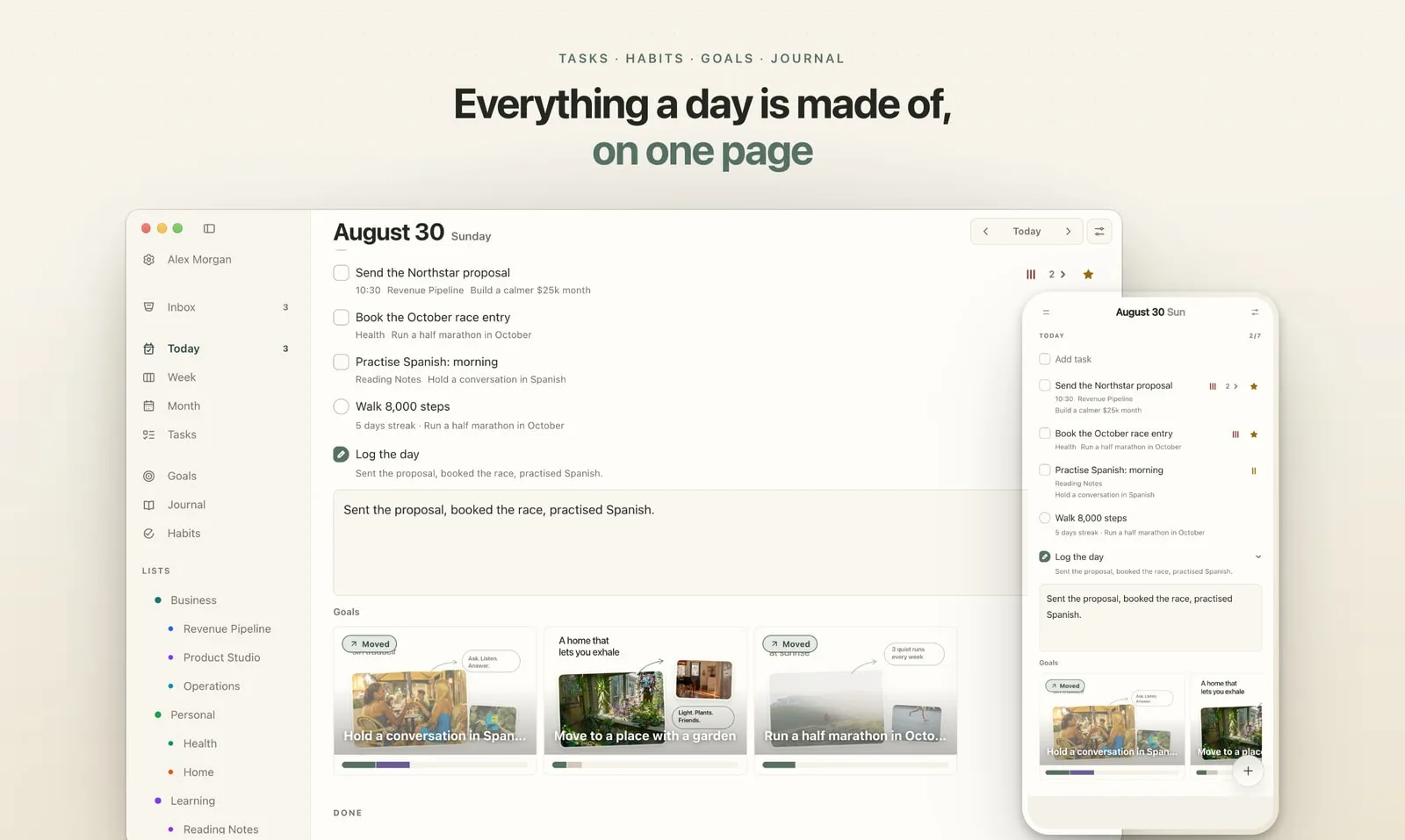
- One page for the day. Tasks, the day’s habits and the journal on the same screen, in the order you live them. Three tabs inside one app are still three places.
- Habits that aren’t tasks. A habit needs its own schedule (every day, weekdays, Monday-Wednesday-Friday), a streak or history you can read, and missed days that don’t pile up as overdue.
- A journal attached to the day. When you write, the day’s tasks and habits should be right there, and an old entry should show what that day held.
- It’s where you already look. A widget on the phone’s Home Screen, an app on the computer, a browser tab at work. If the habit tracker hides two taps deep, you’ll stop ticking it.
- You can switch parts off. Not everyone wants a journal on day one. A good all-in-one app lets you start with tasks and add the rest later, instead of forcing everything at once.
- Bonus: it knows why. Goals that tasks and habits can belong to. Not essential, but it’s what turns a tidy day into a week that’s going somewhere.
How the common options compare
Checked on October 7, 2026, from each app’s own site, help pages and US App Store listing. “Build it” means possible with templates, not built in.
| App | Tasks | Habits | Journal | Goals | Runs on | Free plan |
|---|---|---|---|---|---|---|
| Plannedo | Yes | Yes | Yes | Yes, as boards | Web, iPhone, Mac | Yes |
| Lunatask | Yes | Yes | Yes, with mood | Yes | Windows, Mac, Linux, iPhone, Android | Yes |
| TickTick | Yes | Yes | Notes only | No | Web, Apple, Windows, Android | Yes |
| Sunsama | Yes | No | Daily reflection | Weekly objectives | Web, Mac, Windows, phones | No, 14-day trial |
| Notion | Build it | Build it | Build it | Build it | Web, desktop, phones | Yes |
| Habitica | Yes | Yes, as a game | No | No | Web, iPhone, Android | Yes |
| Stoic | Basic to-dos | Yes | Yes | No | Web, Apple, Android | Yes |
| Todoist | Yes | Via an extension | No | Task-count goals | Everywhere | Yes |
| Things 3 | Yes | No | No | No | Apple only | No, one-time purchase |
| Apple Reminders | Yes | No | No | No | Apple, iCloud web | Yes |
| Day One | No | No | Yes | No | Apple, Android, web | Yes |
| Daylio | No | Activity goals | Mood journal | No | iPhone, Android | Yes |
To-do apps that stop at tasks
Todoist, Things 3, Apple Reminders and Microsoft To Do are excellent at tasks and have no journal. None has a habit tracker of its own. Todoist offers a Habit Tracker extension on the web and desktop, and its streak resets if you reschedule the task. In the others, a habit becomes a repeating task, with the overdue pile described above.
TickTick: tasks and habits, no journal
TickTick is the most complete of the mainstream task apps. It has a real habit tracker with streaks (five habits on the free plan) and runs on everything. What it lacks is a journal. People who want one keep a dated note per day, or log a short note when they check in a habit.
Sunsama: a planning ritual without habits
Sunsama walks you through planning each morning and closing each day, with a shutdown reflection and weekly objectives you can link tasks to. Its own help pages say it isn’t built for habit tracking, which is what that 650-vote request is about. There’s no free plan.
Notion: anything, if you build it
With templates, Notion can hold tasks, a habit table, a daily journal and goals, all linked. You’ll also maintain it. It suits people who enjoy building systems more than people who want to open an app and start the day.
Journal-first apps
Day One is a journal and nothing else. Daylio is a mood journal with goals attached to activities, and no to-do list. Stoic combines journaling with a habit tracker and a simple to-do list inside its morning planner. All three are good places to write and thin places to plan.
Habitica and Lunatask
Habitica turns habits, daily routines and to-dos into a role-playing game, which is great motivation for some people and noise for others. It has no journal. Lunatask covers all four parts (tasks, habits, a journal with mood tracking, and goals) on Windows, Mac, Linux, iPhone and Android, with no web version listed.
How I built this into Plannedo
I build Plannedo, and the problem above is the reason it exists. It treats a day as four parts that belong together: tasks, habits, a journal, and the goals they build toward.
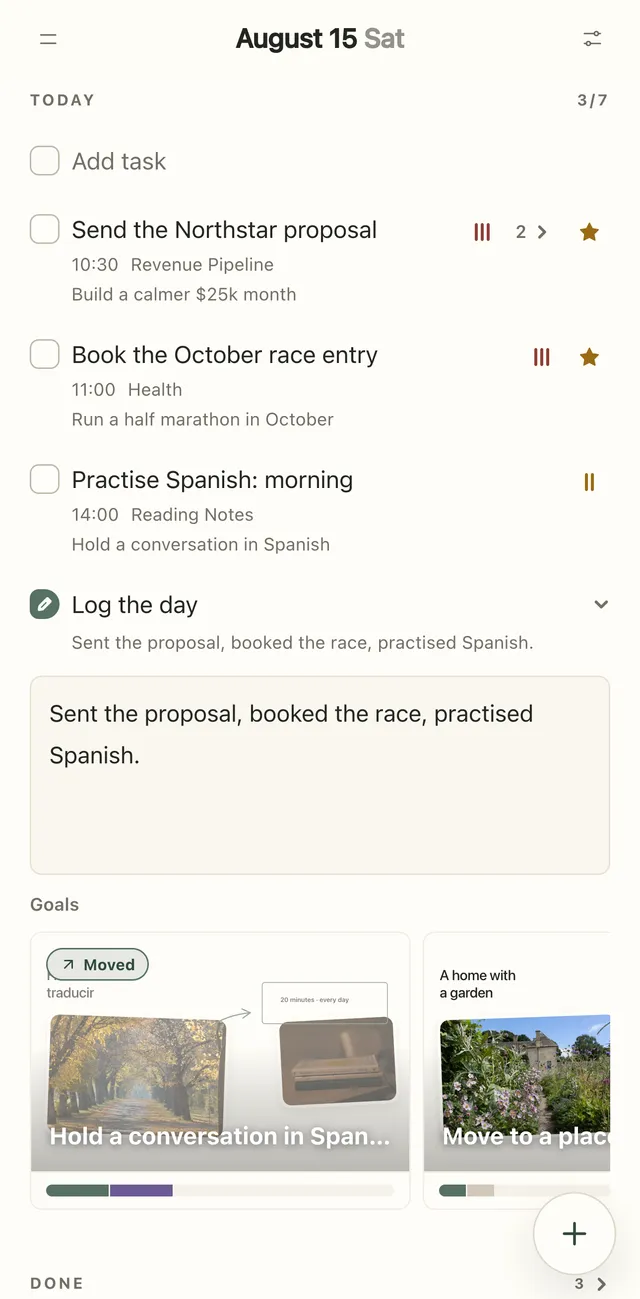
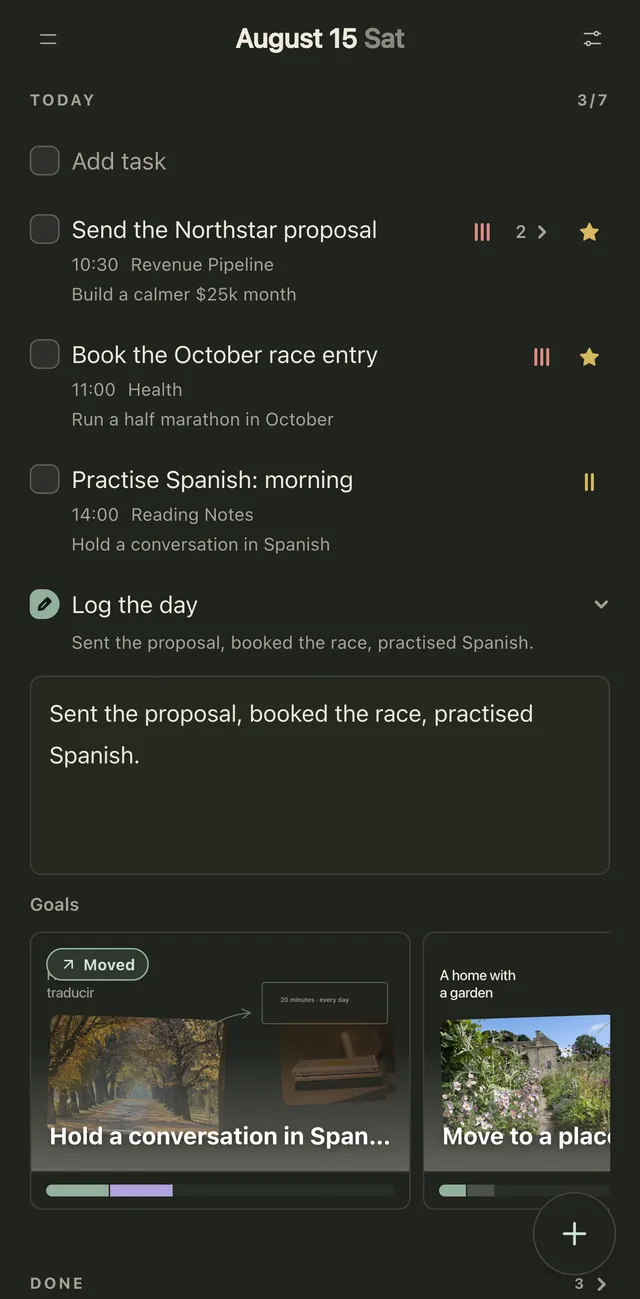
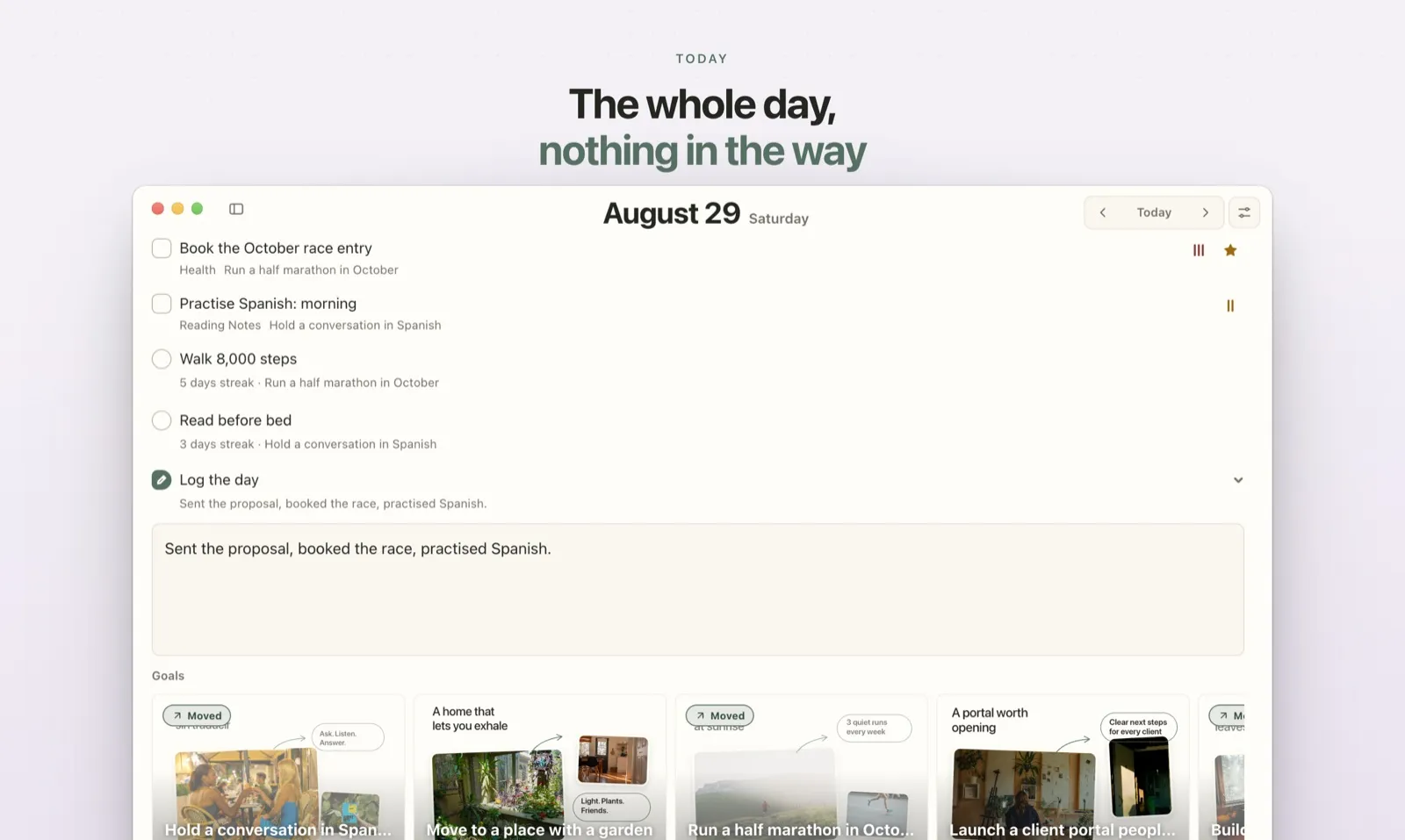
- One page. The Today page shows, top to bottom: overdue tasks, the day’s tasks, the habits scheduled for today with their streaks, Log the day for the journal, and what’s done. A counter like 3/7 covers all of it. See The Today page.
- Habits with their own rules. Each habit runs Daily, on Weekdays, Weekends or any days you pick. Its history shows as dots for 4 weeks, 3 months or a whole year, and days it isn’t scheduled don’t break the streak. See Habits and streaks.
- A journal next to the day. You write a few lines in Log the day, or on the Journal page, where every earlier day shows its entry together with that day’s tasks and habits. See The journal.
- Widgets and three platforms. iPhone and Mac widgets let you tick off today’s tasks and habits without opening the app. Plannedo also runs in any browser, so it works on Windows and Android too.
- Parts you can switch off. In Today sheet settings, each section (overdue, tasks, habits, journal, goals) has its own switch. Plenty of people start with tasks only.
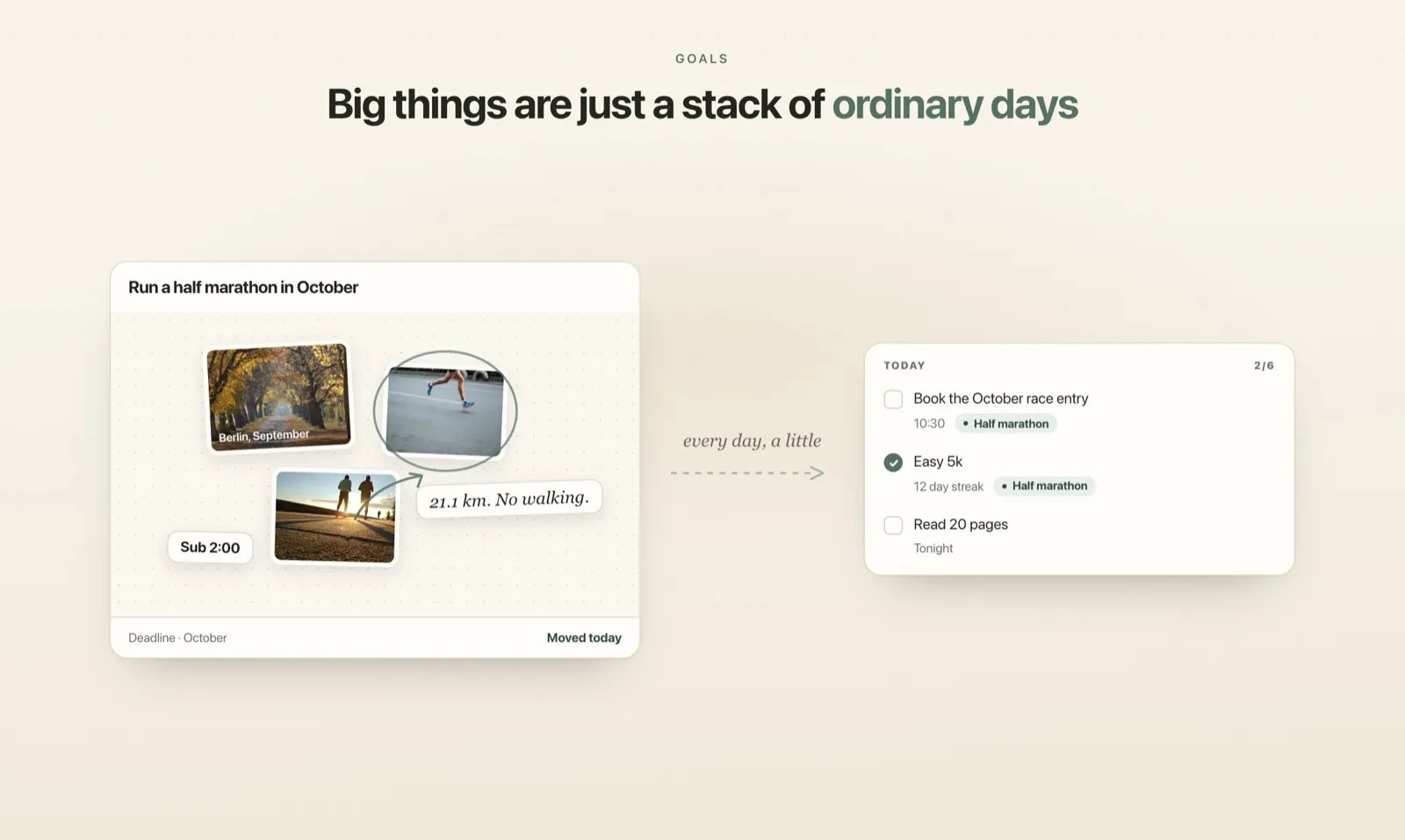
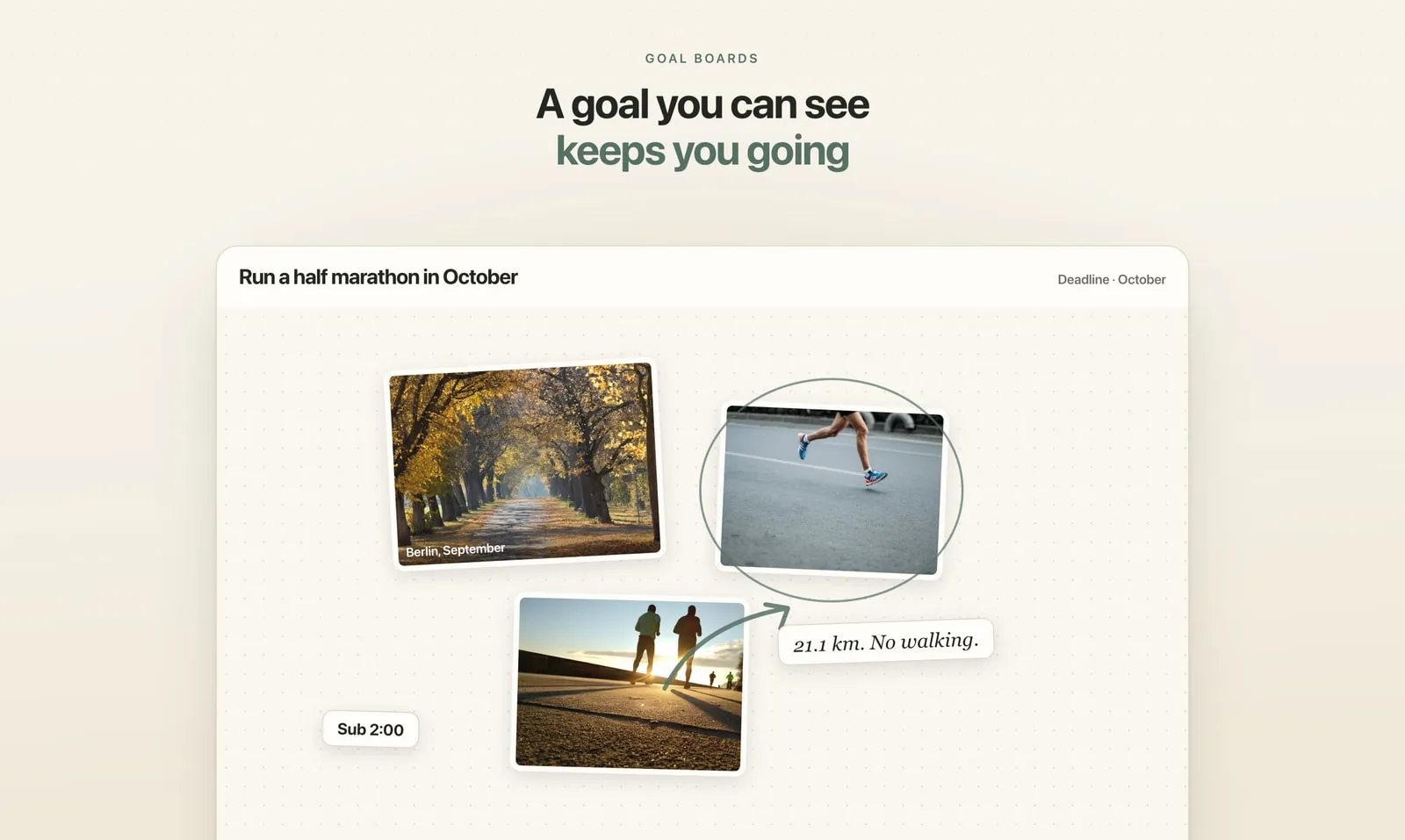
- Goals underneath. Any task or habit can belong to a goal, and ticking it marks the goal as moved that day. If you want the long version of why that matters, I wrote about it in Do Vision Boards Work?.
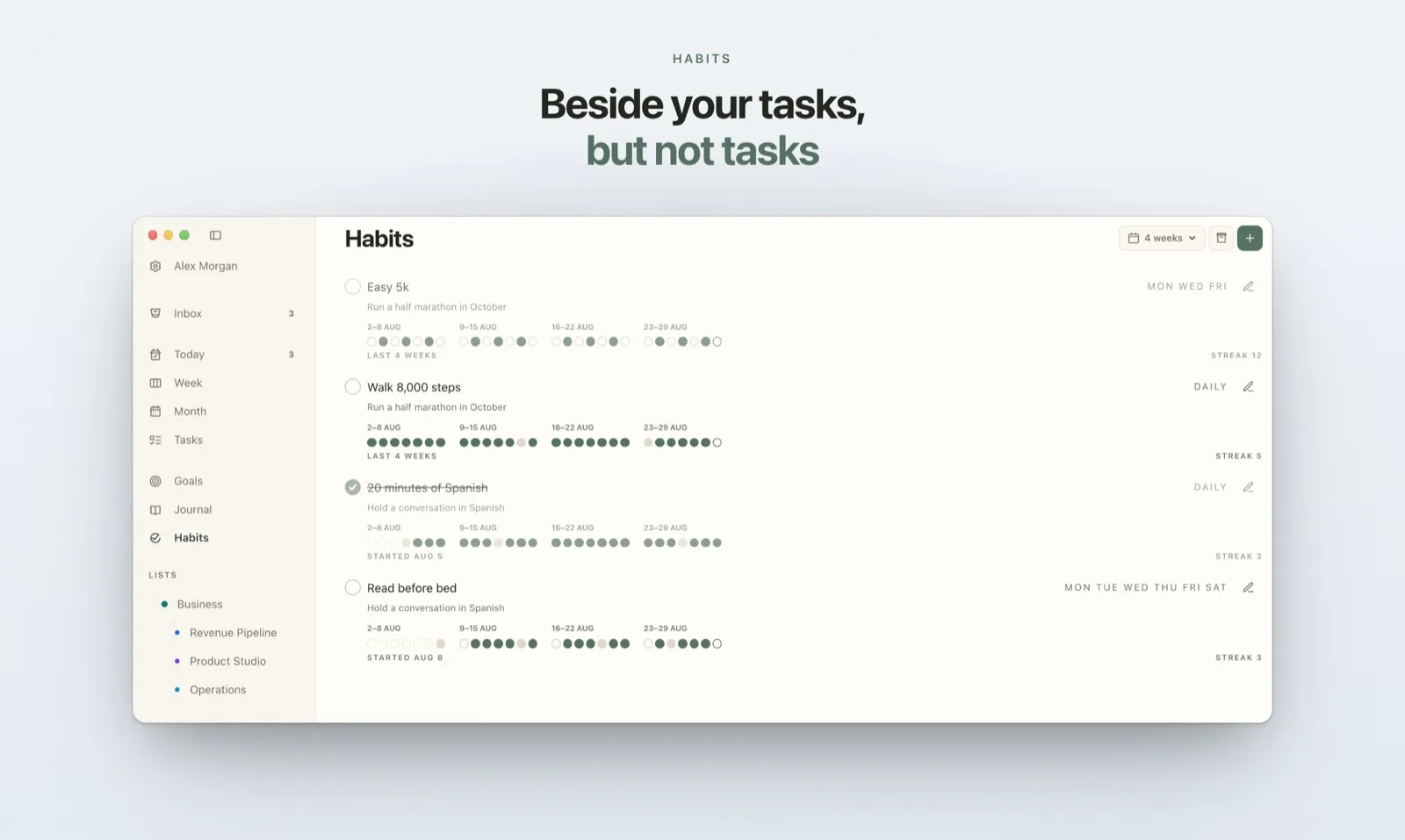
There’s one more thing that matters if you live in Apple’s apps. The iPhone and Mac apps sync tasks both ways with Apple Reminders, so something you dictate to Siri still lands on your Today page.
The Free plan isn’t a trial: unlimited tasks, three habits, the journal every day and one goal, with no card. Pro removes the limits and adds reminders; it’s $7.99 a month or about $79 a year.
Set it up in ten minutes
Whatever app you pick, don’t import your whole life on day one.
- Add only this week’s tasks. The real ones, three to ten of them. Leave the old backlog where it is for now.
- Pick two or three habits. Small and concrete: “Walk 8,000 steps”, “20 minutes of Spanish”. Give each the days it actually happens, not “every day” by default.
- Write one line tonight. What happened, what worked. One sentence counts.
- Switch off what you won’t use yet. An empty section you scroll past every morning is how an app starts to feel like work.
- After a week, look back. If you ticked the habits and wrote most nights, add the next thing. If not, cut until it fits.
FAQ
Is there an app that combines a to-do list, habit tracker and journal?
Yes. Plannedo and Lunatask have all three built in, and both also track goals. Notion can do it with templates you set up yourself. TickTick has tasks and habits but no journal, and Sunsama has tasks and a daily reflection but no habit tracker.
Does TickTick have a journal?
Not a dedicated one. TickTick has notes and lets you add a short log when you check in a habit. People who journal in TickTick usually keep one dated note per day.
Does Todoist have a habit tracker?
Not built in. There’s a Habit Tracker extension for the web and desktop apps, and many people use repeating tasks instead. Todoist’s Karma goals count completed tasks per day or week rather than tracking habits.
Should habits be separate from tasks?
Usually, yes. A habit needs its own schedule, a history you can read at a glance, and missed days that don’t pile up as overdue. A repeating task gives you none of that, which is why habits kept as tasks tend to clutter the list.
Is there a free app with tasks, habits and a journal?
Plannedo’s free plan has unlimited tasks, three habits, a journal every day and one goal. Lunatask’s free plan includes seven habits. TickTick (five habits) and Habitica are free too, but neither has a journal.
Does Plannedo work on Windows and Android?
Yes, in the browser at plannedo.com. The native apps are for iPhone and Mac, and the same account works everywhere.