Habits & journal
The journal
Write how each day went — on Today in Log the day, or on the Journal page, where you can go back to any earlier day.
The journal is a few lines a day about how it actually went, written while you still remember it. There’s one entry per day, and you can write it in two places:
- Log the day on Today — together with the evening check-in;
- the Journal page in the sidebar — good for catching up on or rereading earlier days.
Both edit the same entry.
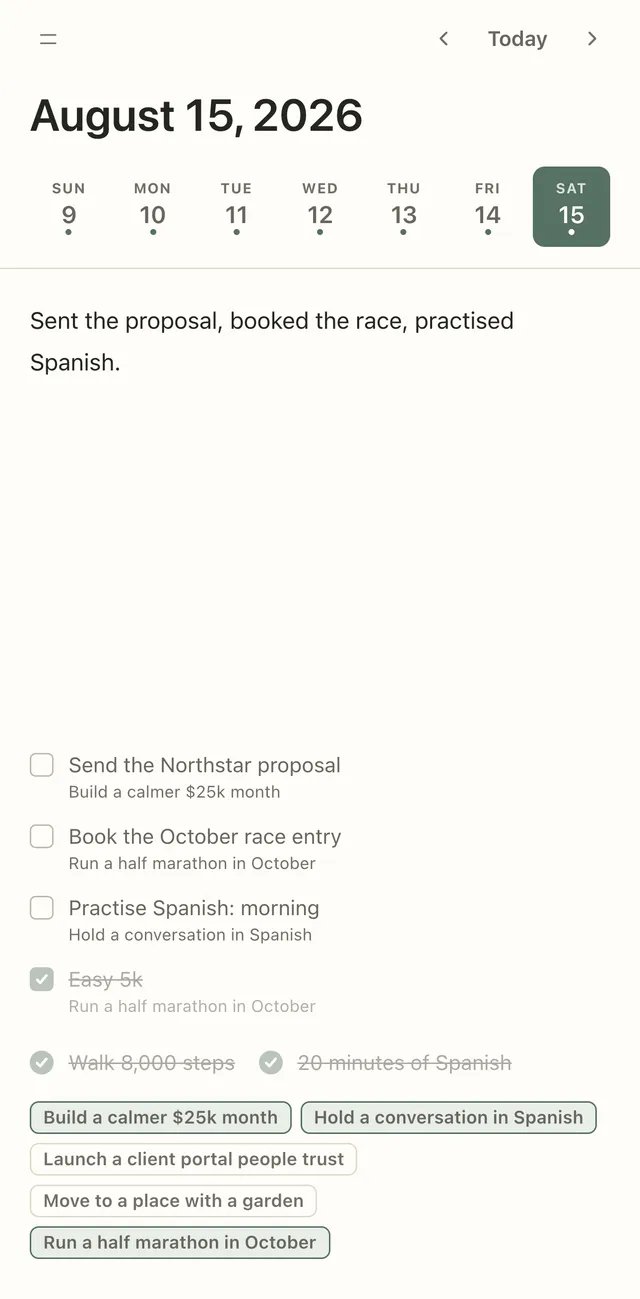
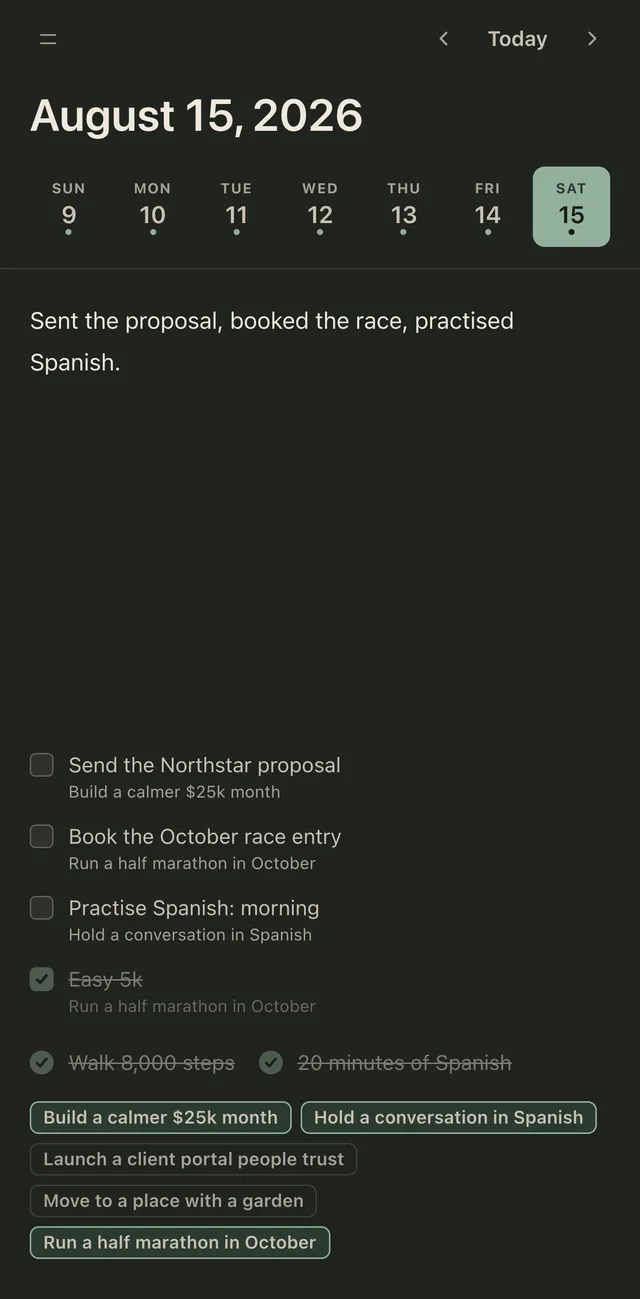
Type in What did you do today? What worked? What should be repeated? There’s no Save button: the entry saves itself a moment after you stop typing. A small dot shows that it’s saving, then that it’s saved.
Select text to format it: B for bold, I for italic, H for a heading, and a list. ⌘ B and ⌘ I work too (Ctrl on Windows). Pasted text comes in as plain text. An entry can be up to 20,000 characters.
Go to another day
Section titled “Go to another day”At the top of the Journal page is a strip of the last six weeks; days with an entry have a dot. Tap a day to open it, or use Previous day, Today and Next day. Everything you write goes into the day you’re looking at.
Under the entry you see what that day held: its tasks, its habits and your goals.
What the journal isn’t
Section titled “What the journal isn’t”The journal isn’t scored and isn’t required. Turn off Journal in Today sheet settings and Log the day keeps only the goal answers — or turn off both Journal and Goals to hide it altogether.