Habits & journal
Habits and streaks
Create a habit with its own schedule, tick it off each day, read its history, and understand how the streak is counted.
Habits are the things you repeat day after day. Plannedo keeps the count, so you only have to do them and tap.
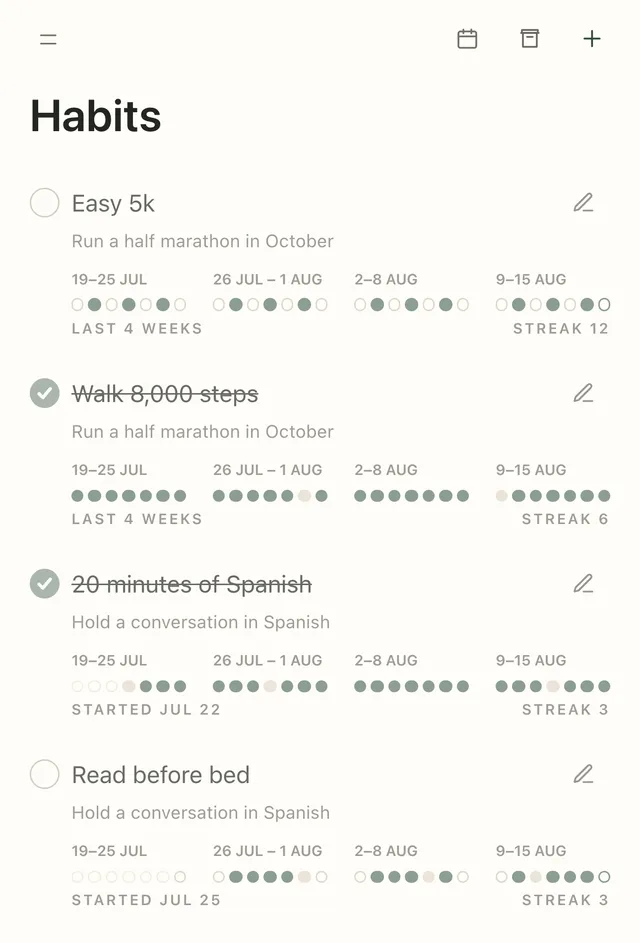
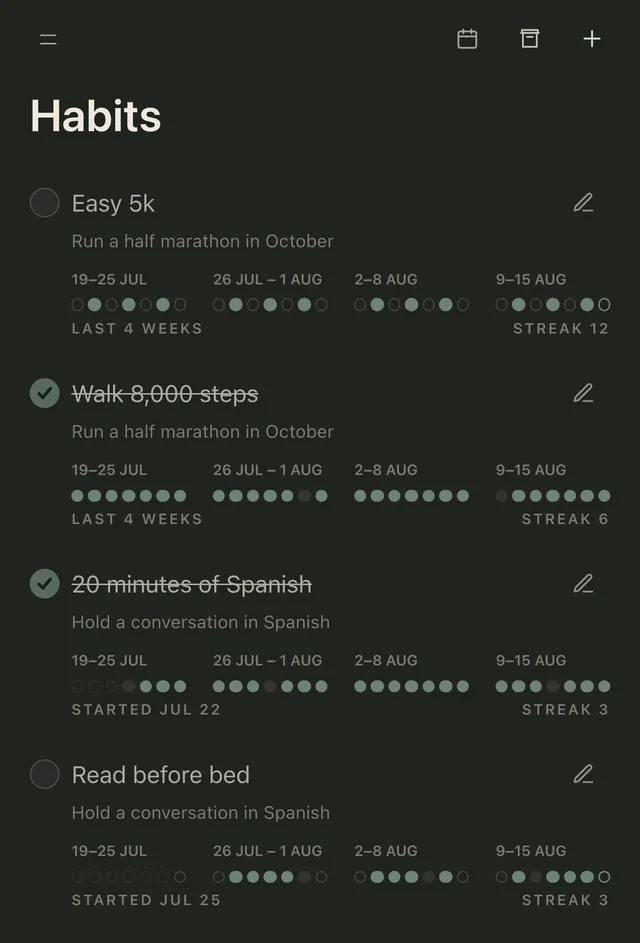
Create a habit
Section titled “Create a habit”- Open Habits and click + (New habit).
- Type it in Habit title — keep it small and concrete: “Easy 5k”, “20 minutes of Spanish”.
- Optionally pick a Goal. Ticking the habit will then mark that goal as moved for the day.
- Set a Start date (today by default).
- Choose a Schedule: Daily, Weekdays, Weekends or Custom, where you pick the exact days from Mon to Sun.
- Click Create habit.
To change a habit later, click its pencil (Habit settings), then Save habit.
Tick it off
Section titled “Tick it off”Tap the round checkbox next to the habit. You can tick habits on the Habits screen, on Today, on Week and Month with the Habits switch on, and in the iPhone and Mac widgets.
Habits scheduled for today show up on Today. On the Habits screen, the ones already done or not due today are dimmed.
Read the history
Section titled “Read the history”Each habit shows its recent days as dots. Switch the range with the calendar button (Date range): 4 weeks, 3 months or 1 year, which shows a year at a glance.
| Dot | Means |
|---|---|
| Filled | Done |
| Grey | Due, not done |
| Outline | Not scheduled that day |
| Ring | Today |
Tap a past day to tick or untick it — handy when you did the habit but forgot to tap.
How the streak works
Section titled “How the streak works”The streak counts back from today:
- every day you ticked adds one, even on a day the habit wasn’t scheduled;
- days the habit isn’t scheduled don’t break it;
- a scheduled day without a tick ends it — except today, which still has time.
At zero it says Start streak today. On Today, each habit shows its streak under its title, like 12 days streak.
Archive, restore or delete
Section titled “Archive, restore or delete”- Archive: Habit settings → Archive habit. A message with Undo appears for a few seconds. Archiving pauses the habit: its history is kept, and the paused days are left out.
- Restore: open the archive (Archived habits) and click Restore. The streak starts afresh.
- Delete permanently: in the archive, Delete permanently and confirm. The habit’s check-ins and statistics are gone for good.
Limits
Section titled “Limits”The Free plan includes 3 active habits; archived habits don’t count. The sample habit a new account starts with — Drink a glass of water — uses one of them, so archive it if it isn’t yours. Pro has no habit limit.
Habits have no reminders of their own. For a daily nudge, see daily reminders.